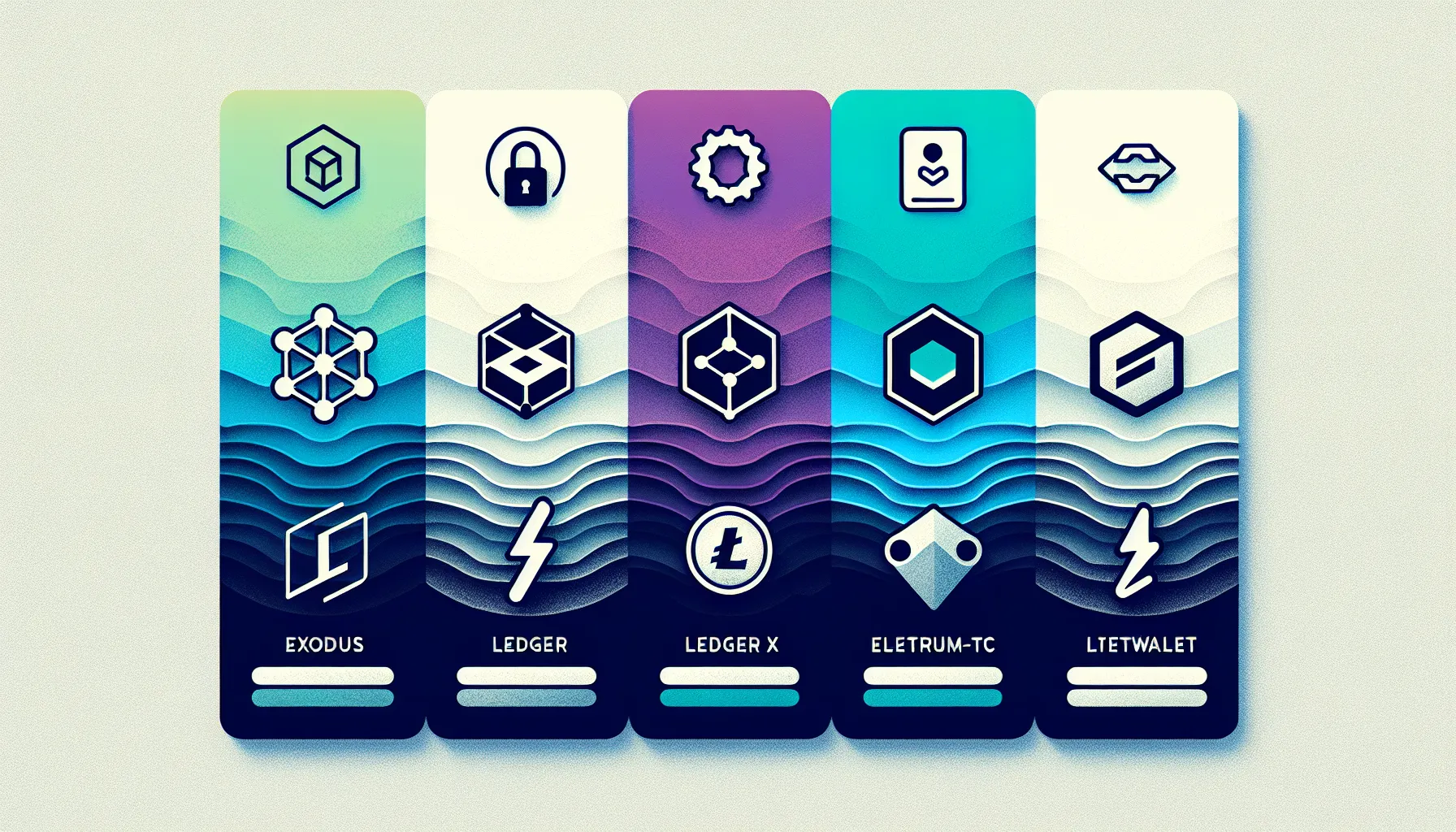
Litecoin continues to hold its place as one of the most accessible and dependable cryptocurrencies in 2025, making it a natural choice for newcomers to digital assets. But owning Litecoin means you’ll need a wallet,a secure place to store, send, and receive your coins. With so many options out there, choosing the right wallet can feel overwhelming, especially for beginners who are just getting started.
The good news? The wallet landscape has matured significantly, and several excellent options cater specifically to users who prioritize ease of use without sacrificing security. Whether someone is looking for a sleek mobile experience, bulletproof hardware security, or a lightweight desktop solution, there’s a wallet that fits the bill.
This guide breaks down the top five Litecoin wallets for beginners in 2025, highlighting what makes each one stand out and helping new users make an informed choice that matches their needs and comfort level.
Key Takeaways
- The best Litecoin wallet for beginners depends on priorities: Exodus offers stunning design and ease of use, while Ledger Nano X provides top-tier hardware security.
- Beginner-friendly Litecoin wallets should feature intuitive interfaces, strong security with private key control, and reliable backup options like recovery phrases.
- Hardware wallets like Ledger Nano X keep private keys offline for maximum security, making them ideal for long-term Litecoin storage despite higher upfront costs.
- Mobile options like Trust Wallet and Litewallet provide convenient on-the-go access, with Trust Wallet supporting multiple assets and Litewallet focusing exclusively on Litecoin.
- Always write down your recovery phrase on paper during wallet setup and enable all available security features to protect your Litecoin holdings.
- Desktop users seeking lightweight performance should consider Electrum-LTC, which offers fast setup, strong privacy, and minimal resource usage for managing Litecoin.
What to Look for in a Beginner-Friendly Litecoin Wallet
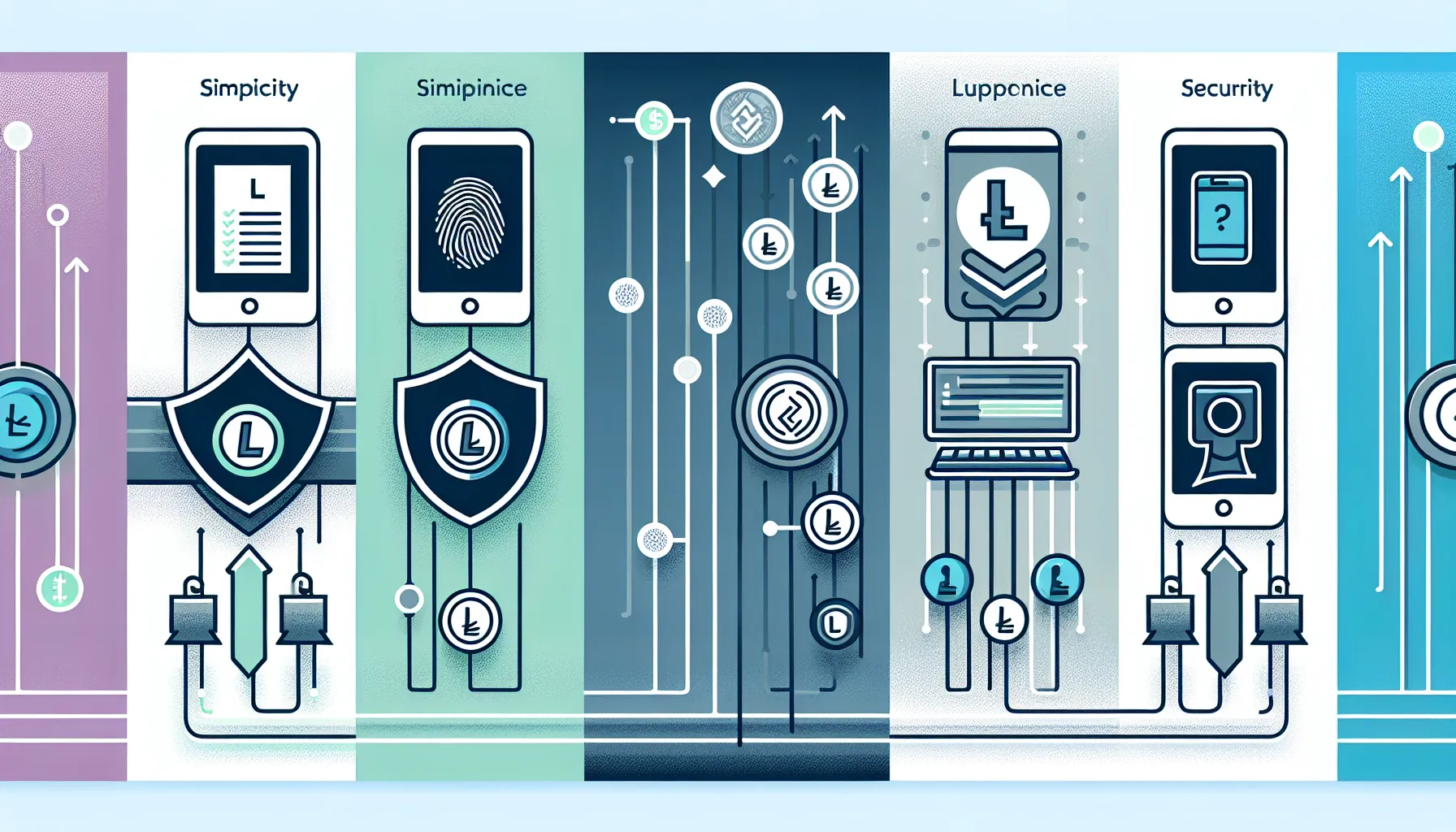
Before diving into specific wallet recommendations, it’s worth understanding what separates a beginner-friendly wallet from the rest. Not all wallets are created equal, and some are definitely easier to navigate than others.
Simplicity and intuitive design should be at the top of the list. A wallet with a clean interface, straightforward setup process, and clear instructions makes all the difference when someone is learning the ropes. Nobody wants to spend hours deciphering complex menus or worrying they’ll accidentally lose funds due to confusing navigation.
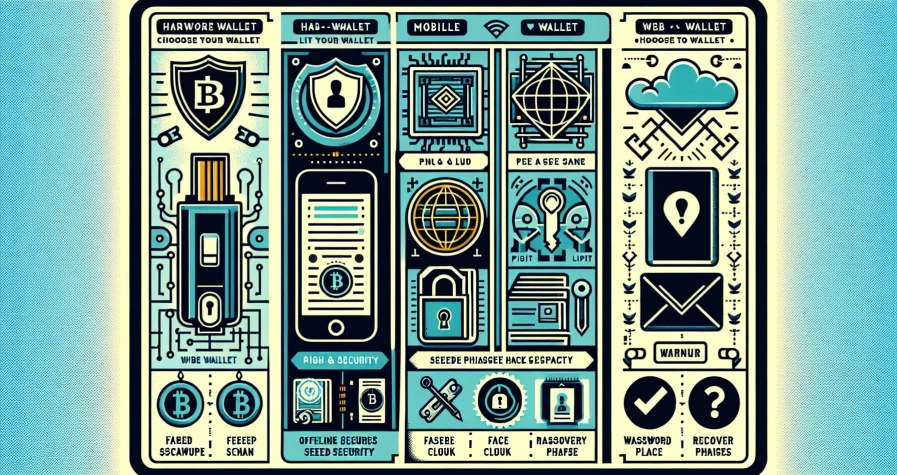
Security features are equally critical. Beginners need wallets that offer strong protection without requiring advanced technical knowledge. This includes things like private key control (meaning the user,not the company,holds the keys), secure backup options like recovery phrases, and optional biometric locks such as fingerprint or face ID.
Multi-device availability is another key consideration. Some users prefer managing their Litecoin on mobile while on the go, while others like the larger screen and control of a desktop setup. Wallets that work across both platforms offer flexibility and convenience.
Customer support can be a lifesaver for beginners. Whether it’s troubleshooting a failed transaction or understanding how to restore a wallet, having access to helpful resources or responsive support teams can ease a lot of anxiety.
Finally, multi-asset capability is a nice bonus. Many beginners start with Litecoin but eventually explore other cryptocurrencies. A wallet that supports multiple coins saves the hassle of juggling several apps and simplifies portfolio management.
Keeping these factors in mind helps narrow down the field to wallets that genuinely work well for newcomers.
Exodus Wallet: Best for User Experience

When it comes to pairing stunning design with rock-solid functionality, Exodus Wallet consistently comes out on top. It’s the kind of wallet that makes managing cryptocurrency feel less like a chore and more like using a well-designed app you’d actually want to open.
Key Features and Benefits
Exodus stands out with its beautiful, intuitive interface that doesn’t overwhelm beginners with technical jargon or cluttered screens. The wallet supports over 100 cryptocurrencies, including Litecoin, so users can manage a diverse portfolio from one place. The built-in exchange feature allows users to swap assets directly within the app without needing to visit external exchanges,a huge convenience for those who want to keep things simple.
The wallet is available on both desktop and mobile, with seamless syncing between devices. Portfolio tracking tools give users a clear snapshot of their holdings, complete with charts and current values. There’s no need to create an account or go through lengthy verification processes: users can download the app and get started in minutes.
Exodus also provides a 12-word recovery phrase during setup, ensuring users can restore their wallet if they ever lose access to their device. The private keys are stored locally on the user’s device, which means they maintain full control over their funds.
Pros and Cons
Pros:
- Exceptionally user-friendly with a polished, modern design
- No account required,set up and start using it immediately
- Supports a wide range of cryptocurrencies beyond Litecoin
- Built-in exchange for quick swaps
- Available on multiple platforms with device syncing
Cons:
- Closed-source code, which some security purists may question
- Does not support two-factor authentication (2FA)
- As a hot wallet (connected to the internet), it’s less secure than hardware options for long-term storage
For beginners who value ease of use and a visually appealing experience, Exodus is tough to beat. It strikes a great balance between accessibility and functionality, making it an excellent first wallet.
Ledger Nano X: Best Hardware Wallet for Security
If security is the top priority,and for many Litecoin holders, it absolutely should be,then the Ledger Nano X is the gold standard. Hardware wallets like the Nano X keep private keys offline, away from the prying eyes of hackers and malware, making them the safest way to store cryptocurrency.
Key Features and Benefits
The Ledger Nano X is a cold storage device, meaning it’s not connected to the internet when not in use. This dramatically reduces the risk of remote attacks. Even though being a hardware wallet, it offers Bluetooth support, allowing users to manage their Litecoin and other assets via a mobile app without compromising security.
It’s compatible with both mobile and desktop through the Ledger Live app, which provides an intuitive interface for managing transactions and checking balances. The device can store over 1,000 different cryptocurrencies, making it a versatile choice for anyone planning to diversify their holdings.
Backup and recovery are handled through a 24-word recovery phrase, which users write down and store securely during the initial setup. If the device is ever lost or damaged, the recovery phrase allows full restoration of funds on a new device.
Pros and Cons
Pros:
- Highest level of security with offline cold storage
- Users maintain complete control over private keys
- Supports thousands of assets, including Litecoin
- Bluetooth functionality adds convenience without sacrificing safety
- Robust backup and recovery options
Cons:
- More expensive than software wallets (typically around $150)
- Requires purchasing and carrying a physical device
- Initial setup can feel more complex for absolute beginners
For those serious about protecting their Litecoin,especially if they’re holding a significant amount or planning to hold long-term,the Ledger Nano X is worth every penny. It’s the kind of wallet that provides peace of mind.
Trust Wallet: Best Mobile Wallet Option
Trust Wallet has earned its reputation as one of the most popular mobile wallets in the crypto space, and for good reason. It’s free, feature-rich, and designed with beginners in mind, making it an ideal choice for users who want to manage their Litecoin on the go.
Key Features and Benefits
Trust Wallet is available as a free app for iOS and Android, and it supports an impressive 4.5 million+ digital assets, including Litecoin and a wide array of tokens. The app is open-source, which means its code can be reviewed by the community for security vulnerabilities,an important trust signal for cautious users.
Beyond basic send and receive functions, Trust Wallet includes DApp integration and staking features, allowing users to explore decentralized applications and earn rewards on certain cryptocurrencies. Security is enhanced with Face ID and Touch ID options, adding a biometric layer of protection on top of the standard PIN or password.
Setup is incredibly fast. Users download the app, create a new wallet, and receive a recovery phrase to back up their funds. The whole process takes just a few minutes, and the interface is clean and easy to navigate.
Pros and Cons
Pros:
- Extremely beginner-friendly with a simple, intuitive interface
- Open-source, adding transparency and trust
- Fast setup,ready to use in minutes
- Supports a massive range of cryptocurrencies and tokens
- Integrated DApps and staking features for advanced users
Cons:
- Not directly compatible with hardware wallets like Ledger or Trezor
- As a hot wallet, it carries the usual risks of being connected to the internet
- Customer support can be limited compared to paid wallet services
Trust Wallet is perfect for beginners who want a mobile-first experience and the flexibility to manage multiple assets. It’s lightweight, fast, and packed with features that grow with the user’s needs.
Electrum-LTC: Best Lightweight Desktop Wallet
For users who prefer desktop solutions and value speed and privacy, Electrum-LTC is a standout choice. It’s the Litecoin-specific fork of the well-known Electrum Bitcoin wallet, and it brings the same lightweight, efficient design to the Litecoin ecosystem.
Key Features and Benefits
Electrum-LTC is designed to be fast and lightweight, requiring minimal system resources and offering quick installation. Unlike some wallets that need to download the entire blockchain, Electrum-LTC uses remote servers, which means users can get up and running almost instantly.
The wallet uses a 12-word backup phrase for recovery, and private keys are stored locally on the user’s device. This gives users full control over their funds and ensures that no third party has access to their keys. The open-source nature of the wallet adds another layer of transparency and trust.
Electrum-LTC is best suited for users who want a no-frills, efficient desktop experience. It doesn’t have the flashy design of Exodus or the mobile convenience of Trust Wallet, but it excels in simplicity and performance.
Pros and Cons
Pros:
- Lightweight and fast, with minimal resource usage
- Strong privacy features with local key storage
- Open-source code that can be audited by the community
- Quick setup process
- No need to download the full blockchain
Cons:
- The interface can feel dated compared to more modern wallets
- Advanced features may confuse absolute beginners
- Desktop-only, with no mobile version
Electrum-LTC is ideal for users who want a reliable, efficient desktop wallet and don’t need bells and whistles. It’s particularly appealing to those who prioritize privacy and performance over aesthetics.
Litewallet: Best Official Litecoin Mobile Wallet
Litewallet holds a special place in the Litecoin ecosystem as the official wallet endorsed by the Litecoin Foundation. For beginners who want a straightforward, trusted solution backed by the project itself, Litewallet is a natural choice.
Key Features and Benefits
Litewallet is an official Litecoin Foundation wallet, which gives it a level of credibility and trust that few other wallets can match. It’s available on both iOS and Android, and it’s designed specifically for Litecoin, with a laser focus on doing one thing really well.
The wallet is open-source, meaning the code is publicly available for review. It offers a simple interface for sending and receiving LTC, and it supports Touch ID for quick, secure access. During setup, users receive a secure passphrase that can be used to restore the wallet if needed.
Litewallet is fast, lightweight, and doesn’t require users to manage complex settings or navigate multiple coin options. It’s a pure Litecoin experience, which can be a plus for beginners who don’t want the distraction of managing other assets.
Key Features and Benefits
Pros:
- Simple, focused interface designed for Litecoin
- Official support from the Litecoin Foundation
- Fast and reliable performance
- Secure passphrase backup
- Touch ID for added security and convenience
Cons:
- Only supports Litecoin,no other cryptocurrencies
- Limited customer support compared to larger wallet providers
- No built-in exchange or swap features
For users who are committed to Litecoin and want an officially supported, no-nonsense mobile wallet, Litewallet is an excellent pick. It’s straightforward, trustworthy, and gets the job done without any fuss.
How to Set Up Your First Litecoin Wallet
Setting up a Litecoin wallet might sound intimidating, but the process is actually pretty straightforward, especially with the beginner-friendly options covered in this guide. Here’s a step-by-step breakdown that applies to most wallets:
1. Download the wallet from the official source.
Always go directly to the wallet’s official website or download it from a trusted app store (Apple App Store or Google Play). Avoid third-party sites or unofficial links, as these can lead to phishing scams or malicious software.
2. Install and open the app.
Once downloaded, install the wallet on the chosen device and open it. Most wallets will greet users with a welcome screen and a choice to either create a new wallet or restore an existing one.
3. Create a new wallet.
Select the option to create a new wallet. The app will guide users through the setup process, which typically involves setting a PIN or password. Some wallets also offer biometric options like Face ID or fingerprint authentication.
4. Write down the recovery phrase.
This is the most critical step. The wallet will generate a recovery (or seed) phrase,usually 12 or 24 words. Write this phrase down on paper and store it somewhere safe and secure. Never share it with anyone, and don’t store it digitally where it could be hacked. This phrase is the only way to recover funds if the device is lost or damaged.
5. Set up additional security features.
If the wallet offers two-factor authentication, PIN codes, or biometric locks, enable them. These add extra layers of protection.
6. Receive Litecoin.
Once setup is complete, the wallet will provide a unique Litecoin address. Share this address with others to receive LTC, or use it to transfer coins from an exchange or another wallet.
That’s it. With these steps, anyone can have a functional Litecoin wallet up and running in just a few minutes.
Conclusion
Choosing the right Litecoin wallet doesn’t have to be a challenging job. Each of the five wallets covered here brings something unique to the table, catering to different preferences and priorities. Exodus shines with its beautiful design and ease of use, while the Ledger Nano X offers unmatched security for those serious about protecting their assets. Trust Wallet delivers a powerful mobile experience with tons of features, Electrum-LTC keeps things lightweight and efficient on desktop, and Litewallet provides an official, straightforward solution for pure Litecoin users.
The best wallet eventually depends on individual needs. Beginners who want a visually appealing, multi-asset wallet will love Exodus. Those prioritizing security and long-term storage should invest in a Ledger Nano X. Mobile-first users will appreciate Trust Wallet’s flexibility, while desktop enthusiasts may lean toward Electrum-LTC. And for anyone who values official backing and simplicity, Litewallet is a solid choice.
No matter which wallet is chosen, the most important thing is to take security seriously. Write down that recovery phrase, enable available security features, and never share private keys with anyone. With the right wallet and good security habits, managing Litecoin in 2025 can be a smooth and rewarding experience.
Frequently Asked Questions
What is the best Litecoin wallet for beginners in 2025?
Exodus Wallet is ideal for beginners due to its intuitive interface, multi-platform support, and built-in exchange feature. It supports over 100 cryptocurrencies including Litecoin, requires no account creation, and offers seamless syncing between desktop and mobile devices.
How do I keep my Litecoin wallet secure?
Always write down your recovery phrase and store it securely offline. Enable biometric authentication like Face ID or fingerprint locks, use strong PINs, and consider hardware wallets like Ledger Nano X for long-term storage of significant amounts.
Can I store other cryptocurrencies besides Litecoin in these wallets?
Yes, most beginner-friendly wallets like Exodus, Trust Wallet, and Ledger Nano X support multiple cryptocurrencies. Exodus supports over 100 assets, while Trust Wallet supports 4.5 million+ digital assets, making them excellent for diversified portfolios.
What is the difference between hot wallets and cold wallets?
Hot wallets are connected to the internet and offer convenient access for frequent transactions, while cold wallets like hardware devices store private keys offline, providing maximum security against hacking. Cold wallets are best for long-term storage.
Is it safe to use a mobile Litecoin wallet?
Yes, mobile wallets like Trust Wallet and Litewallet are safe when proper security measures are followed. Use biometric locks, secure your recovery phrase offline, and only download apps from official sources like Apple App Store or Google Play.