Moving Ethereum from one wallet to another might sound daunting at first, especially if you’re new to the world of cryptocurrency. Yet, once the basics are understood, sending and receiving ETH becomes as routine as transferring funds through a banking app. The key lies in having the right tools, a secure setup, and a clear grasp of how transactions work on the Ethereum blockchain.
Whether you’re splitting a dinner bill with a friend, paying for a digital service, or exploring decentralised finance, knowing how to handle ETH safely and efficiently is essential. This walk-through covers everything from wallet setup to transaction tracking, with practical tips to avoid common pitfalls and keep your funds secure.
Key Takeaways
- Sending and receiving Ethereum requires a secure wallet, a protected device, and ETH to cover gas fees for transactions.
- Your public wallet address (starting with ‘0x’) is safe to share, but your private keys or seed phrase must never be disclosed to anyone.
- Always double-check the recipient’s wallet address before confirming a transaction, as Ethereum transfers are irreversible and cannot be undone.
- Gas fees fluctuate based on network demand, so choosing the right fee option affects how quickly your Ethereum transaction is confirmed.
- Store your seed phrase offline in multiple secure locations and use official wallet apps to protect your funds from scams and phishing attacks.
- Tracking Ethereum transactions is simple using blockchain explorers like Etherscan, where you can monitor confirmation status in real time.
What You Need Before Sending or Receiving Ethereum

Before diving into Ethereum transactions, it’s important to gather the necessary tools and understand what’s required. At its core, you need three things: a wallet, a secure device, and (if you’re sending) some ETH to cover network fees.
First, you’ll need a wallet app or hardware wallet. Popular software options include MetaMask, Trust Wallet, and Coinbase Wallet, whilst hardware wallets like Ledger or Trezor offer enhanced security by keeping your private keys offline. Each has its own strengths, software wallets are convenient for everyday use, whilst hardware wallets are ideal for larger holdings or long-term storage.
Next, ensure you have a secure, internet-connected device. Whether you’re using a smartphone, tablet, or computer, the device should be free from malware and protected by a strong password or biometric lock. Avoid using public or shared devices for managing your wallet, as this increases the risk of unauthorised access.
Finally, if you plan to send Ethereum, you’ll need a small amount of ETH in your wallet to cover gas fees. These are transaction fees paid to miners or validators who process and confirm your transaction on the blockchain. Gas fees fluctuate depending on network demand, so it’s wise to keep a little extra ETH on hand to ensure your transactions go through smoothly.
Setting Up Your Ethereum Wallet
Setting up an Ethereum wallet is straightforward, but doing it correctly is crucial for the security of your funds. Start by downloading a reputable wallet app from an official source, either the App Store, Google Play, or the wallet’s official website. Be cautious of phishing sites or fake apps that mimic legitimate services.
Once installed, open the app and select the option to create a new wallet. You’ll be prompted to set a strong password. Choose something unique and complex, avoid reusing passwords from other accounts. This password protects access to the wallet on your device, but it’s not the master key to your funds.
The wallet app will then generate a seed phrase, typically consisting of 12 to 24 words in a specific order. This seed phrase is the master key to your wallet and funds. Write it down on paper and store it in a secure, offline location, never save it digitally, take a screenshot, or share it with anyone. If someone gains access to your seed phrase, they can control your wallet from any device.
After writing down your seed phrase, the app will ask you to confirm it by selecting the words in the correct order. This step ensures you’ve recorded it accurately. Once confirmed, your wallet is ready to use.
Understanding Your Wallet Address and Private Keys
Every Ethereum wallet has two critical components: a public wallet address and private keys (or seed phrase). Understanding the difference between them is essential for safe transactions.
Your public wallet address is a unique string of letters and numbers, typically starting with “0x”. Think of it like an email address or bank account number, it’s safe to share with others so they can send you ETH. You can give it out freely without compromising your security.
Your private keys or seed phrase, on the other hand, are the equivalent of your password and PIN combined. They grant full control over your wallet and funds. If someone obtains your private keys, they can drain your wallet, and there’s no customer service to call for help. Ethereum transactions are irreversible and decentralised, meaning you are entirely responsible for safeguarding these credentials.
If you lose your private keys or seed phrase, your funds are gone forever. There’s no password reset button. This is why secure, offline storage of your seed phrase is non-negotiable.
How to Receive Ethereum

Receiving Ethereum is arguably the simpler half of the transaction process. All you need is your wallet address, and the sender does the rest. But knowing where to find that address and how to share it safely is important.
To receive ETH, open your wallet app and navigate to the home screen or dashboard. Most wallets prominently display a “Receive” button or option. Tap or click it, and your wallet will display your Ethereum address, that long string starting with “0x”.
You can either copy the address to your clipboard or display it as a QR code for someone to scan. Both methods work equally well, though QR codes can be more convenient for in-person transactions or when using a mobile device.
Once you’ve shared your address with the sender, all you need to do is wait. Ethereum transactions typically confirm within a few minutes, though times can vary depending on network congestion and the gas fee paid by the sender. You can monitor incoming transactions directly in your wallet or by using a blockchain explorer like Etherscan.
Locating Your Ethereum Wallet Address
Finding your wallet address is usually straightforward, but the exact location varies slightly depending on which wallet you’re using. Most wallet apps display your address on the main screen, often near the top or centre. Look for a string starting with “0x”, that’s your public address.
If it’s not immediately visible, tap on “Receive”, “Receive ETH”, or a similar option. This will bring up your address along with a QR code. Some wallets allow you to manage multiple addresses or accounts within the same app, so make sure you’re viewing the correct one before sharing.
You can copy the address by tapping a “Copy” button or selecting the text manually. If you’re receiving ETH in person, the QR code is often the easiest method, the sender can scan it with their wallet app, eliminating the risk of typos.
Sharing Your Address Safely
Sharing your Ethereum address is safe, but there are a few best practises to follow. Always double-check the address before sending it to someone. A single incorrect character can result in funds being sent to the wrong wallet, and because blockchain transactions are irreversible, there’s no way to get them back.
If you’re copying and pasting your address, verify the first and last few characters after pasting. Some malware can intercept clipboard data and replace wallet addresses with a scammer’s address. It sounds rare, but it happens.
Never, under any circumstances, share your private keys or seed phrase when someone asks for your wallet address. Your public address is all anyone needs to send you ETH. If someone asks for your seed phrase, it’s a scam, full stop.
Finally, be cautious when sharing your address publicly, such as on social media or forums. Whilst your address itself doesn’t compromise security, it does make your transaction history visible on the blockchain. Anyone can look up your address on Etherscan and see your balance and past transactions.
How to Send Ethereum
Sending Ethereum requires a bit more attention to detail than receiving it. You’ll need the recipient’s wallet address, the amount you wish to send, and enough ETH to cover gas fees. A small mistake here can be costly, so it’s worth taking your time.
Start by opening your wallet and selecting “Send” or “Send ETH”. This will bring up a form where you’ll enter the transaction details. The first field is for the recipient’s wallet address, this is where accuracy matters most.
Entering the Recipient’s Wallet Address
The recipient’s wallet address is a string of 42 characters beginning with “0x”. You can either type it manually, paste it from your clipboard, or scan a QR code if the recipient provides one.
Manual entry is risky, one wrong character and your ETH could vanish into the blockchain abyss. If you’re copying and pasting, always verify the first few and last few characters after pasting. As mentioned earlier, clipboard hijackers can swap addresses, so this step is non-negotiable.
If you’re transacting with someone in person or someone who’s tech-savvy, scanning a QR code is often the safest and quickest method. Many wallets support this feature directly within the “Send” interface.
Some wallets also offer an address book or contact list where you can save frequently used addresses. If you send ETH to the same people regularly, this feature can save time and reduce the risk of errors.
Setting the Amount and Gas Fees
Once the recipient’s address is entered, you’ll specify the amount of ETH to send. Most wallets allow you to enter the amount in ETH or convert it to your local currency for convenience.
Next comes the gas fee. Gas is the cost of processing your transaction on the Ethereum network, paid in a small amount of ETH. The fee depends on network congestion, when demand is high, fees spike: when it’s quiet, fees drop.
Most wallets offer preset fee options like “Slow”, “Standard”, and “Fast”. A higher fee incentivises miners or validators to prioritise your transaction, resulting in faster confirmation. If you’re not in a hurry, you can save money by choosing a lower fee, though the transaction may take longer to confirm.
Some advanced wallets let you customise the gas fee manually, specifying the gas limit and gas price. Unless you’re experienced, it’s usually best to stick with the presets.
Before moving forward, check that you have enough ETH in your wallet to cover both the amount you’re sending and the gas fee. If your balance is too low, the transaction will fail.
Confirming and Completing Your Transaction
After entering all the details, take a moment to review everything carefully. Check the recipient’s address, the amount, and the gas fee. Once you confirm, the transaction is irreversible, there’s no “undo” button.
When you’re satisfied, tap “Confirm” or “Send”. Depending on your wallet, you may need to enter your password, use biometric authentication, or confirm on a hardware device if you’re using one.
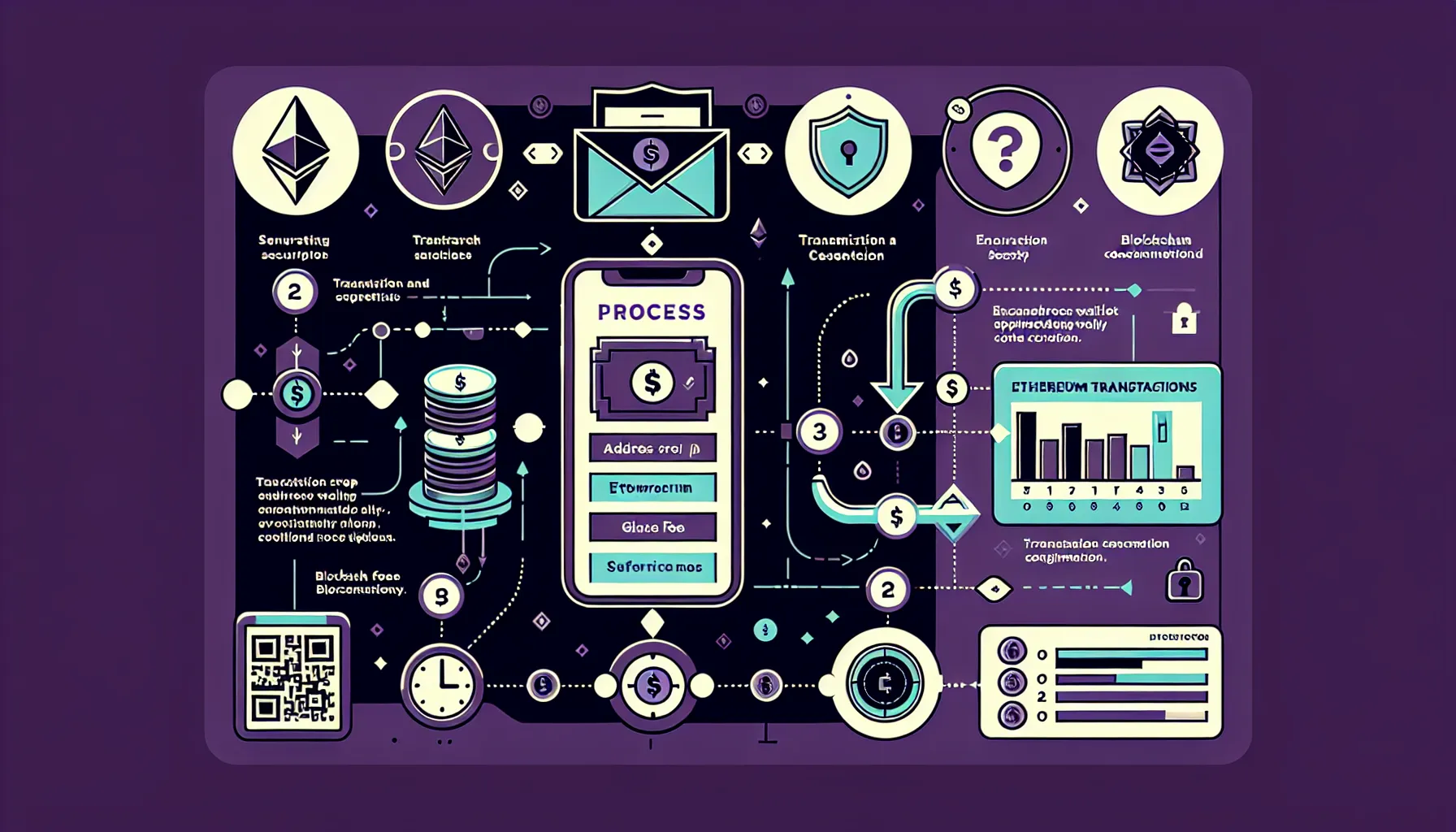
Once confirmed, your transaction is broadcast to the Ethereum network. You’ll receive a transaction hash (TxHash), a unique identifier for your transaction. Keep this handy: you can use it to track the transaction’s progress on a blockchain explorer like Etherscan.
Tracking Your Ethereum Transactions
After sending or receiving Ethereum, you might want to monitor the transaction’s status, especially if it’s your first time or if the amount is significant. Fortunately, tracking Ethereum transactions is simple and transparent thanks to the public nature of the blockchain.
Most wallet apps display recent transactions directly on the home screen or under a “Transactions” or “Activity” tab. You’ll see details like the amount, recipient (or sender), timestamp, and status, typically “Pending”, “Confirmed”, or “Failed”.
For more detailed information, you can use a blockchain explorer like Etherscan. Simply copy your transaction hash (TxHash) and paste it into the search bar on Etherscan’s website. This will show you a wealth of information: the exact time the transaction was broadcast, the number of confirmations, the gas fee paid, and the current status.
Ethereum transactions generally require multiple confirmations before they’re considered final. One confirmation means the transaction has been included in a block: additional confirmations mean subsequent blocks have been added, making it virtually irreversible. Most wallets and services consider a transaction safe after around 12 confirmations, though this can vary.
If your transaction is stuck as “Pending” for an unusually long time, it’s likely due to a low gas fee. In some cases, you can speed it up by increasing the fee (if your wallet supports it) or simply wait for network congestion to ease.
Common Mistakes to Avoid When Sending Ethereum
Even with a solid understanding of the process, it’s easy to slip up, especially when you’re new to crypto. Here are the most common mistakes people make when sending Ethereum, and how to avoid them.
Typing or pasting the wrong recipient address. This is by far the most costly error. Ethereum transactions are irreversible, so if you send ETH to the wrong address, it’s gone. Always double-check, or better yet, triple-check, the recipient’s address before confirming. Use the copy-paste method rather than typing manually, and verify several characters at both ends of the address.
Forgetting to account for gas fees. If you try to send your entire ETH balance without leaving enough for gas, the transaction will fail. Always leave a little extra in your wallet to cover fees. Check the estimated gas cost before confirming, and adjust if necessary.
Sharing your private keys or seed phrase. This one bears repeating because it’s shockingly common. No legitimate service or person will ever ask for your private keys or seed phrase. If someone does, it’s a scam. Your public address is all anyone needs to send you ETH.
Ignoring network congestion. Sending ETH during peak times can result in high gas fees or slow confirmations. If your transaction isn’t urgent, consider waiting for a quieter period. Tools like Etherscan’s Gas Tracker can help you identify cheaper times to transact.
Not testing with a small amount first. If you’re sending a large sum or transacting with a new address for the first time, send a small test amount first. Once it arrives successfully, you can proceed with confidence.
Security Best Practises for Ethereum Transactions
Security should be at the forefront of every Ethereum transaction. Unlike traditional banking, there’s no safety net, no customer service to reverse a mistake, no insurance to recover stolen funds. Responsibility lies entirely with the user, so adopting strong security habits is essential.
Use strong, unique passwords. Your wallet password should be complex and never reused from other accounts. Consider using a password manager to generate and store secure passwords.
Enable two-factor authentication (2FA) where possible. Some wallets and exchanges offer 2FA as an additional layer of security. Whilst it won’t protect your seed phrase, it can prevent unauthorised access to your wallet app or account.
Store your seed phrase offline in multiple secure locations. Never save your seed phrase digitally, no screenshots, no cloud storage, no password managers. Write it on paper (or better yet, on metal for fire and water resistance) and store copies in separate, secure places like a safe or safety deposit box.
Only use official wallet apps and browser extensions. Download wallets directly from official websites or verified app stores. Fake apps and phishing sites are rampant in the crypto space. Before entering your seed phrase or password, double-check the URL and app developer.
Be vigilant for phishing attempts. Scammers often impersonate wallet providers, exchanges, or support teams via email, social media, or messaging apps. They’ll ask for your seed phrase, private keys, or direct you to a fake website. Always verify the source before clicking links or providing any information.
Consider using a hardware wallet for larger amounts. If you’re holding a significant amount of ETH, a hardware wallet provides an extra layer of security by keeping your private keys offline and away from potential online threats.
Keep your devices secure. Regularly update your operating system, apps, and antivirus software. Avoid using public Wi-Fi for wallet transactions, and never access your wallet on shared or untrusted devices.
Conclusion
Sending and receiving Ethereum doesn’t have to be intimidating. With a secure wallet, a clear understanding of addresses and keys, and a cautious approach to transaction details, anyone can confidently manage ETH transfers. The process is remarkably straightforward once you’ve set everything up properly, and the transparency of the blockchain means you can track every transaction in real time.
Yet the decentralised nature of Ethereum also means there’s no central authority to bail you out if something goes wrong. That’s why security and accuracy are paramount. Double-check addresses, safeguard your seed phrase, and take your time with each transaction. A few extra seconds of verification can save you from irreversible mistakes.
Whether you’re just starting out or looking to refine your approach, these fundamentals will serve you well. Ethereum’s ecosystem is vast and evolving, but mastering the basics of sending and receiving is the first step towards exploring everything it has to offer.
Frequently Asked Questions
What do I need to send or receive Ethereum?
You need three essentials: a wallet (software or hardware), a secure internet-connected device free from malware, and if sending, enough ETH to cover gas fees. Popular wallet options include MetaMask, Trust Wallet, Ledger, and Trezor.
How do I receive Ethereum in my wallet?
Open your wallet app, tap the ‘Receive’ button, and share your public wallet address (starting with ‘0x’) or QR code with the sender. Your ETH will arrive within minutes, depending on network congestion and gas fees paid.
Can I reverse an Ethereum transaction if I send it to the wrong address?
No, Ethereum transactions are irreversible once confirmed on the blockchain. There’s no central authority to reverse mistakes, which is why verifying the recipient’s address carefully before confirming is crucial to avoid permanent loss.
What are gas fees and why do I need to pay them?
Gas fees are transaction costs paid to miners or validators who process your Ethereum transaction. They fluctuate based on network demand, with higher fees resulting in faster confirmation. Always keep extra ETH to cover these fees.
Is it safe to share my Ethereum wallet address publicly?
Yes, sharing your public wallet address is safe as it only allows others to send you ETH. However, your transaction history becomes visible on the blockchain, so exercise caution on public forums if privacy is a concern.
What’s the difference between a seed phrase and a wallet password?
A wallet password protects app access on your device, whilst your seed phrase (12–24 words) is the master key to your funds. If someone gets your seed phrase, they control your wallet completely, making secure offline storage essential.