Binance has become one of the world’s largest and most popular cryptocurrency exchanges, and for good reason. Whether you’re just getting started with crypto or you’re looking to expand your trading activity, knowing how to navigate Binance’s platform is essential. From depositing your first coins to executing trades and withdrawing profits, each step involves specific processes that, once understood, become second nature.
In this guide, you’ll learn exactly how to deposit, buy, trade, and withdraw crypto on Binance in 2025. We’ll walk through each process step-by-step, covering everything from account setup and security to choosing the right networks and order types. By the end, you’ll have the confidence to manage your crypto portfolio on Binance like a pro.
Key Takeaways
- Learning how to deposit, buy, trade and withdraw crypto on Binance requires proper account setup, identity verification, and enabling two-factor authentication for security.
- Always verify the correct network when depositing or withdrawing crypto on Binance, as sending funds to the wrong network can result in permanent loss.
- Binance offers multiple ways to buy crypto, including credit/debit cards for speed, bank transfers for lower fees, and P2P trading for flexible local payment options.
- Understanding order types like market orders and limit orders is essential for executing successful trades on the Binance platform.
- Prioritize security by using strong passwords, authenticator apps for 2FA, verifying wallet addresses carefully, and considering hardware wallets for long-term storage.
- Start with small test transactions when withdrawing crypto from Binance to confirm addresses and networks are correct before moving larger amounts.
Setting Up Your Binance Account

Before you can deposit, buy, trade, or withdraw anything, you need to create and verify your Binance account. The process is straightforward but requires attention to detail,especially when it comes to security and identity verification.
Start by visiting the official Binance website or downloading the mobile app. Click the “Register” button and enter either your email address or phone number. Choose a strong, unique password,one that you don’t use anywhere else. Binance will send a verification code to your email or phone: enter that code to confirm your contact information.
Next, you’ll want to enable two-factor authentication (2FA) immediately. This adds an extra layer of security by requiring a time-based code from an authenticator app (like Google Authenticator or Authy) every time you log in or make a withdrawal. It’s one of the most effective ways to protect your account from unauthorized access.
Finally, complete the Know Your Customer (KYC) identity verification process. Binance requires you to upload a government-issued ID (such as a passport or driver’s license) and take a facial photo for verification. This step is mandatory for most features on the platform, including higher withdrawal limits and access to certain trading pairs. The verification usually takes a few minutes to a few hours, depending on demand.
Once your account is verified and secured, you’re ready to start using Binance’s full suite of features.
How to Deposit Crypto on Binance

Depositing crypto into your Binance account is the first step if you’re transferring funds from another wallet or exchange. The process is simple, but it’s crucial to get the details right,sending crypto to the wrong address or network can result in permanent loss.
Finding Your Deposit Address
Log into your Binance account and navigate to the “Wallet” section at the top of the page. From the dropdown, select “Deposit,” then choose “Crypto.” You’ll see a list of all supported cryptocurrencies. Use the search bar to find the coin you want to deposit,let’s say Bitcoin (BTC) or Ethereum (ETH).
Once you’ve selected your coin, Binance will display a deposit address and a QR code. Important: Make sure you also select the correct network. For example, if you’re depositing USDT, you might see options like ERC20 (Ethereum network), BEP20 (Binance Smart Chain), or TRC20 (Tron network). Each network has different transaction fees and speeds, so choose the one that matches your external wallet.
Copy the deposit address carefully. Even a single character error can send your funds into the void.
Transferring Crypto From an External Wallet
Now, open the wallet or exchange where your crypto is currently stored. Navigate to the “Send” or “Withdraw” section and paste the Binance deposit address you just copied. Double-check that the network you selected in Binance matches the network you’re using in your external wallet. This is critical,sending BTC on the wrong network won’t work, and sending USDT on ERC20 when you selected BEP20 on Binance could result in lost funds.
Enter the amount you want to transfer and review the transaction details, including any network fees. Confirm the transaction, and depending on the network, your deposit should appear in your Binance account within minutes to an hour. You can track the transaction using a blockchain explorer if you want real-time updates.
Once the funds arrive, they’ll show up in your Spot Wallet, ready to be traded or converted.
How to Buy Crypto on Binance
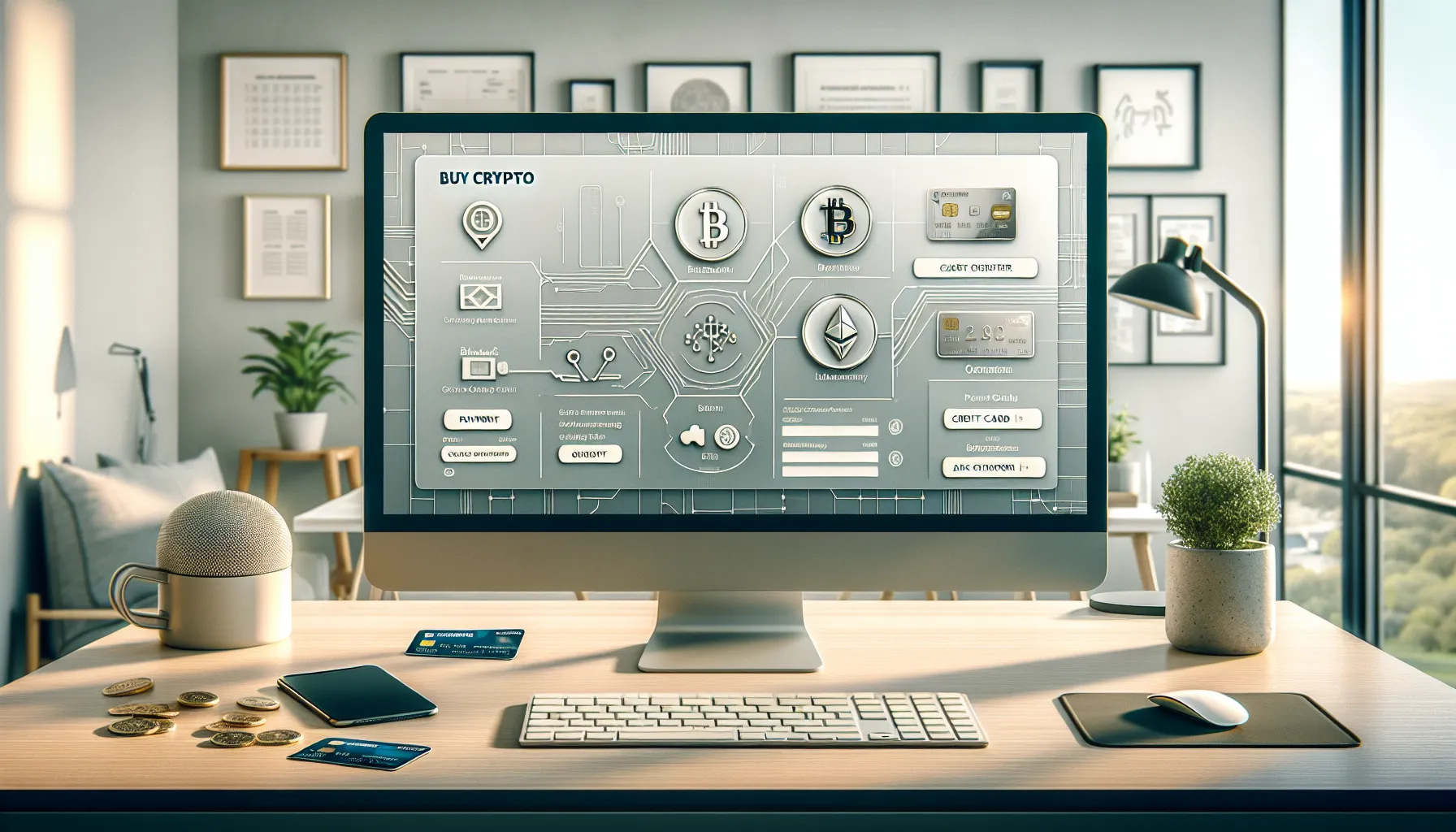
If you don’t already own crypto, Binance makes it easy to buy your first coins using fiat currency. You have several options depending on your location and preferred payment method.
Using Credit or Debit Card
The fastest way to buy crypto on Binance is with a credit or debit card. From the homepage, click “Buy Crypto” in the top menu, then select “Credit/Debit Card.” Choose the cryptocurrency you want to purchase,popular options include Bitcoin (BTC), Ethereum (ETH), or stablecoins like USDT.
Enter the amount you want to spend in your local currency. Binance will show you how much crypto you’ll receive after fees. Add your card details (you only need to do this once), review the transaction, and click “Confirm Purchase.” The crypto will be credited to your Spot Wallet almost instantly.
Keep in mind that card purchases often come with higher fees compared to other methods, typically around 2-4%. But the speed and convenience can be worth it, especially for smaller amounts.
Using Bank Transfer or P2P Trading
For lower fees, consider using a bank transfer or Binance’s peer-to-peer (P2P) trading platform. To use a bank transfer, go to “Buy Crypto” > “Bank Deposit.” Select your currency and follow the instructions to link your bank account. Once linked, you can deposit fiat and use it to buy crypto at better rates than card purchases.
Binance’s P2P platform is another excellent option, especially if bank transfers aren’t available in your region. Navigate to “Buy Crypto” > “P2P Trading” and browse listings from verified sellers. You can filter by payment method (bank transfer, PayPal, cash app, etc.), price, and seller reputation. Once you find a seller, enter the amount, initiate the trade, and complete the payment according to the seller’s instructions. The crypto will be released from escrow once the seller confirms receipt of your payment.
P2P trading often offers competitive rates and supports a wide range of local payment methods, making it a flexible choice for users worldwide.
How to Trade Crypto on Binance

Once you have crypto in your Spot Wallet, you’re ready to start trading. Binance offers a robust trading platform with tools for both beginners and advanced traders.
Navigating the Binance Trading Interface
From the top menu, hover over “Trade” and select either “Classic” or “Advanced” view. The Classic view is cleaner and more beginner-friendly, while the Advanced view provides additional charting tools and indicators.
The trading interface is divided into several sections: the order book (showing buy and sell orders), the price chart (displaying historical price movements), the trading pairs list (where you select which crypto pair to trade), and the order entry panel (where you place your trades).
Take a moment to familiarize yourself with the layout. The order book gives you a sense of market depth and liquidity, while the chart helps you spot trends and potential entry or exit points.
Placing Your First Trade
Let’s say you want to trade Bitcoin for USDT. In the trading pairs search bar, type “BTC/USDT” and select it. You’ll now see the BTC/USDT order book and price chart.
In the order entry panel (usually on the right side), you’ll see options for different order types. The two most common are:
- Market Order: Buys or sells immediately at the current market price. This is the fastest option but may result in slight slippage during volatile periods.
- Limit Order: Lets you set a specific price at which you want to buy or sell. Your order will only execute when the market reaches that price. This gives you more control but isn’t guaranteed to fill.
Enter the amount of BTC you want to buy or sell. Binance will show you the total cost (if buying) or total proceeds (if selling). Review the details, then click “Buy BTC” or “Sell BTC” to submit your order.
If you placed a market order, it’ll execute almost instantly. If you placed a limit order, you can track its status in the “Open Orders” section at the bottom of the screen. You can cancel or modify limit orders anytime before they’re filled.
As you gain experience, you can explore more advanced order types like stop-limit orders, OCO (one-cancels-the-other), and trailing stops to manage risk and automate your trading strategy.
How to Withdraw Crypto From Binance
When you’re ready to move your crypto off Binance,whether to a hardware wallet, another exchange, or a personal wallet,the withdrawal process is straightforward but requires careful attention to detail.
Selecting Withdrawal Method and Network
Go to “Wallet” in the top menu, then select “Withdraw” and choose “Crypto.” You’ll see a list of all available cryptocurrencies. Select the coin you want to withdraw.
Next, enter the destination wallet address. This is the address of your external wallet where you want the crypto sent. Double-check this address multiple times,crypto transactions are irreversible, and sending to the wrong address means your funds are gone for good.
Now, choose the correct network. Just like when depositing, you need to match the network on Binance with the network your external wallet supports. For example, if you’re withdrawing USDT to a Binance Smart Chain wallet, select BEP20. If you’re sending to an Ethereum wallet, choose ERC20. Network fees and transaction speeds vary, so consider your priorities.
Enter the amount you want to withdraw. Binance will display the network fee and the amount you’ll receive after the fee is deducted. Review everything carefully, then click “Withdraw.”
Confirming and Tracking Your Withdrawal
Binance will prompt you to confirm the withdrawal using your 2FA code and a verification code sent to your email or SMS. Enter these codes to authorize the transaction.
Once confirmed, your withdrawal will be processed. Depending on network congestion and Binance’s internal review process, this can take anywhere from a few minutes to an hour. You can track the status of your withdrawal by going to “Wallet” > “Transaction History” > “Withdrawal History.”
When the withdrawal is complete, you’ll receive a transaction ID (TxID) that you can use to track the transaction on a blockchain explorer. Once the transaction receives enough network confirmations, the funds will appear in your external wallet.
If you’re moving large amounts, consider doing a small test transaction first to confirm everything is set up correctly.
Important Security Tips for Binance Users
Security should be your top priority when using any crypto exchange. While Binance has robust security measures in place, your account’s safety eventually depends on your own practices.
First, always enable two-factor authentication (2FA). Use an authenticator app rather than SMS, as SMS-based 2FA is vulnerable to SIM-swapping attacks. Store backup codes in a secure location in case you lose access to your device.
Use a strong, unique password for your Binance account,one you don’t use anywhere else. Consider using a reputable password manager to generate and store complex passwords.
Beware of phishing attacks. Scammers often create fake websites that look nearly identical to Binance’s official site. Always double-check the URL before logging in, and enable Binance’s anti-phishing code feature, which adds a unique code to all official emails from Binance.
Never share your login credentials, 2FA codes, or verification codes with anyone,not even someone claiming to be Binance support. Binance will never ask for this information.
For additional security, consider using Binance’s withdrawal whitelist feature, which only allows withdrawals to pre-approved addresses. You can also set up withdrawal limits and notification alerts for account activity.
Finally, if you’re holding significant amounts of crypto, consider moving funds to a hardware wallet for long-term storage. Keeping large balances on an exchange exposes you to platform risk, even with strong security measures in place.
Conclusion
Navigating Binance doesn’t have to be intimidating. By following the step-by-step processes outlined in this guide, you can confidently deposit, buy, trade, and withdraw crypto while keeping your assets secure. From setting up your account with proper verification and 2FA to understanding the nuances of network selection and order types, each step builds your competence as a crypto user.
Remember to always double-check addresses and networks before confirming transactions, take advantage of Binance’s security features, and start with smaller amounts until you’re comfortable with the platform. As you gain experience, you’ll discover additional features and tools that Binance offers,from staking and savings products to futures trading and more.
The world of crypto moves fast, but with the right knowledge and careful attention to detail, you’ll be well-equipped to make the most of what Binance has to offer in 2025 and beyond.
Frequently Asked Questions
How do I deposit crypto on Binance safely?
Log into Binance, navigate to Wallet > Deposit > Crypto, select your coin, and choose the correct network. Copy the deposit address, paste it into your external wallet’s send function, verify the network matches, and confirm the transaction. Always double-check addresses to avoid permanent loss.
What is the difference between market order and limit order on Binance?
A market order executes immediately at the current market price, offering speed but potential slippage. A limit order lets you set a specific price to buy or sell, giving you more control but requiring the market to reach that price before execution.
Can I buy crypto on Binance without owning any cryptocurrency?
Yes, Binance allows you to buy crypto using fiat currency via credit/debit card, bank transfer, or P2P trading. Card purchases are fastest but have higher fees (2-4%), while bank transfers and P2P offer lower fees and more payment flexibility.
Why is selecting the correct network important when withdrawing from Binance?
Selecting the wrong network can result in permanent loss of funds. The withdrawal network on Binance must match your external wallet’s supported network. For example, sending USDT via BEP20 to an ERC20-only wallet will cause irreversible loss of your crypto.
How long does it take to withdraw crypto from Binance?
Binance withdrawals typically take a few minutes to an hour, depending on network congestion and internal review processes. You can track withdrawal status in Transaction History and use the TxID to monitor blockchain confirmations via a blockchain explorer.
What is KYC verification and why does Binance require it?
KYC (Know Your Customer) verification requires uploading a government-issued ID and facial photo to confirm your identity. Binance mandates this for regulatory compliance, enabling higher withdrawal limits, access to more trading pairs, and enhanced account security features.