Navigating the world of cryptocurrency can feel daunting, especially when it comes to tracking where funds have gone or confirming whether a payment has actually arrived. Unlike traditional banking systems where a customer service representative is just a phone call away, blockchain transactions are decentralised and require users to take a more hands-on approach. The good news? Every transaction is publicly recorded on the blockchain, and with the right tools, anyone can verify the status, amount, and destination of their cryptocurrency transfers.
Whether someone is a seasoned crypto trader or a newcomer making their first Bitcoin purchase, knowing how to check blockchain transactions is an essential skill. It provides peace of mind, helps resolve payment disputes, and ensures transparency in a system built on trust and immutability. This guide walks through the entire process step-by-step, from gathering the necessary information to interpreting transaction details across different blockchain networks.
Key Takeaways
- Knowing how to check blockchain transactions is essential for verifying payment status, resolving disputes, and maintaining financial transparency in cryptocurrency.
- The transaction ID (TXID) serves as a unique digital fingerprint that allows you to locate and track any blockchain transaction through a block explorer.
- Each blockchain requires its own dedicated explorer—Bitcoin uses Blockchain.com or Blockstream.info, whilst Ethereum transactions are checked via Etherscan.io.
- Confirmation numbers indicate how securely a transaction is embedded in the blockchain, with Bitcoin typically requiring six confirmations and Ethereum needing 12–15 for full security.
- Stuck or pending blockchain transactions are usually caused by insufficient transaction fees and can often be resolved using Replace-by-Fee (RBF) on Bitcoin or the speed-up function on Ethereum wallets.
- Block explorers display comprehensive transaction details including sender and recipient addresses, amounts transferred, fees paid, timestamps, and real-time confirmation status.
Understanding Blockchain Transactions and Why You Need to Track Them
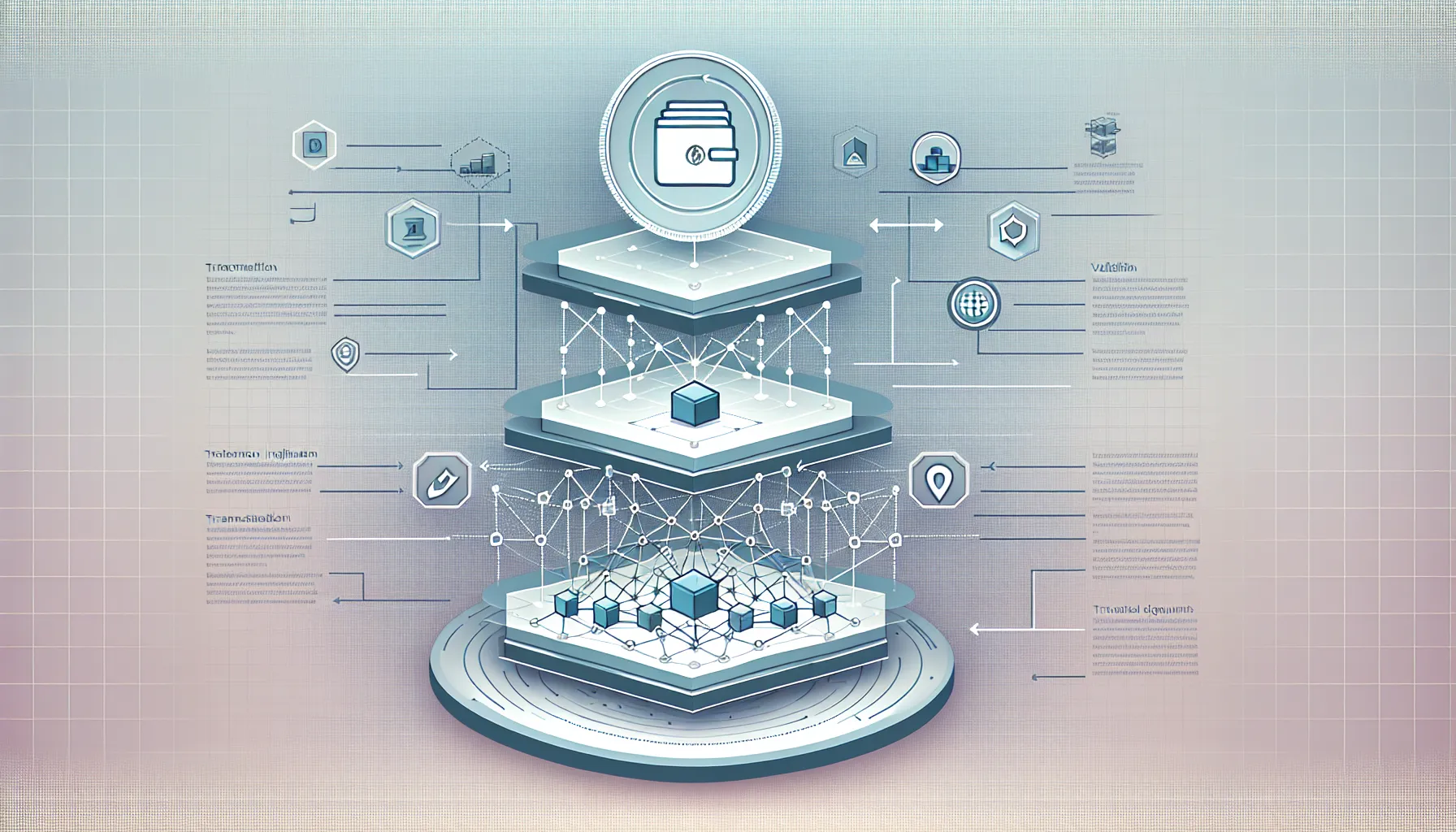
Blockchain transactions represent the movement of cryptocurrency from one wallet address to another, recorded permanently on a distributed ledger. Unlike traditional financial systems where transaction records are held privately by banks, blockchain transactions are publicly accessible and verifiable by anyone with an internet connection.
Every time someone sends Bitcoin, Ethereum, or any other cryptocurrency, the transaction is broadcast to the network, validated by miners or validators, and then added to a block. Once confirmed, the transaction becomes part of an immutable chain of records that cannot be altered or deleted. This transparency is one of blockchain’s core strengths, but it also means users need to know how to access and interpret these records themselves.
Tracking blockchain transactions serves several important purposes. For senders, it provides confirmation that funds have left their wallet and are on their way to the intended recipient. For receivers, it offers proof that payment has been initiated and allows them to monitor how close it is to being fully confirmed. In cases of disputes or errors, transaction records serve as indisputable evidence of what occurred and when.
Beyond individual transactions, tracking blockchain activity can also help users monitor their overall wallet history, identify suspicious activity, or gather information needed for tax reporting. Given the pseudonymous nature of blockchain addresses, having the ability to verify transaction details becomes crucial for maintaining financial accountability and security.
What Information You’ll Need Before You Start
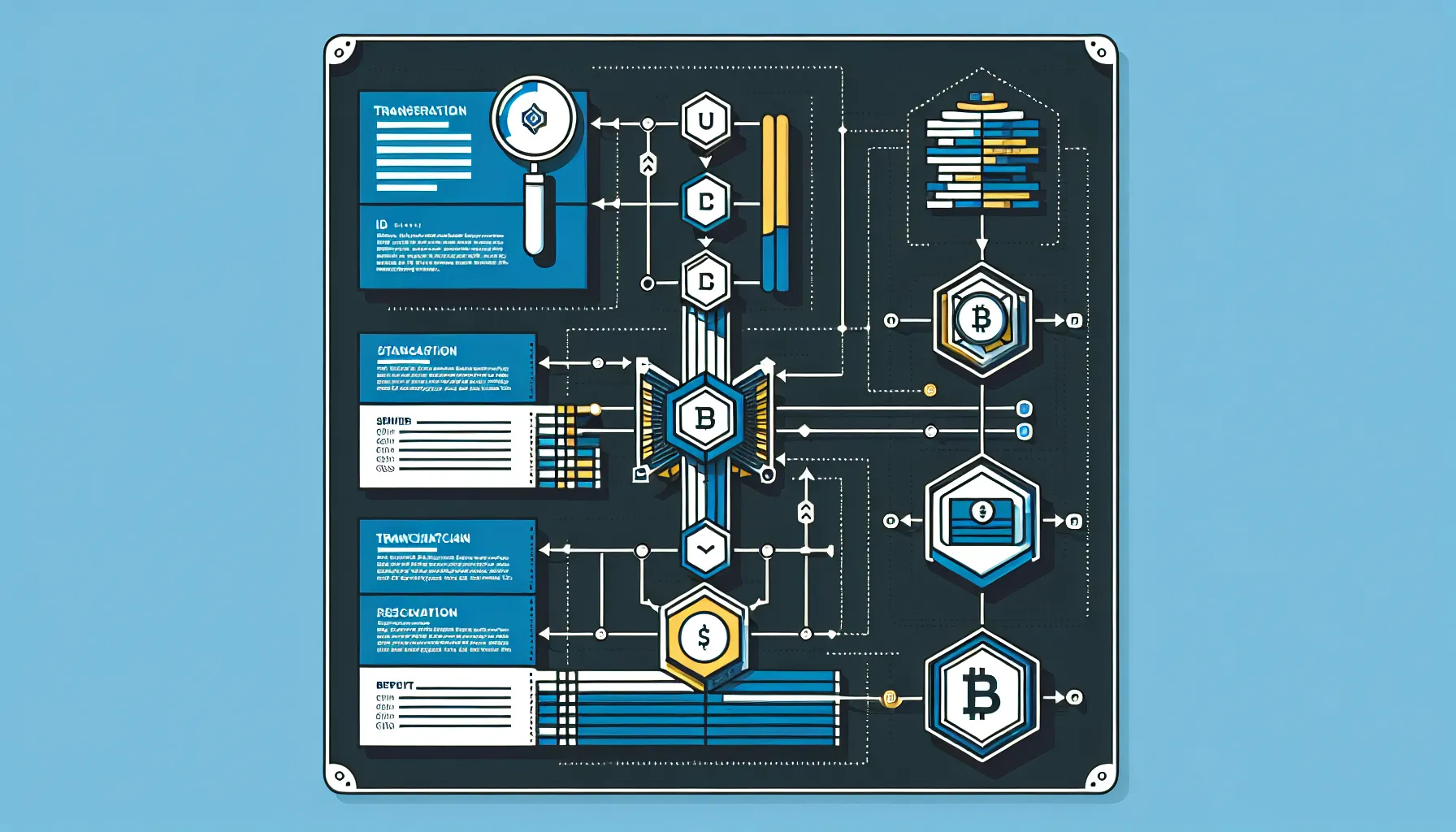
Before diving into a block explorer, it’s essential to gather the right information. Without the proper identifiers, locating a specific transaction among millions recorded on the blockchain becomes nearly impossible.
The most critical piece of information is the transaction ID, often abbreviated as TXID or transaction hash. This is a unique alphanumeric string generated when a transaction is created and serves as its digital fingerprint. No two transactions share the same ID, making it the most reliable way to locate a specific transfer. TXIDs typically look like a long string of random letters and numbers, for instance, Bitcoin transaction IDs are 64 characters long.
Alternatively, users can search using wallet addresses. The sender’s or recipient’s address can be entered into a block explorer to view all transactions associated with that wallet. This approach is useful when someone wants to see their entire transaction history or verify whether a payment has been received without knowing the specific TXID.
Other helpful details include the date and approximate time of the transaction, as well as the amount sent. While not strictly necessary for finding a transaction, these details help confirm that the correct record has been located, especially when dealing with wallets that have processed numerous transfers.
Most cryptocurrency wallets automatically provide the TXID immediately after a transaction is initiated. It can usually be found in the transaction history section of the wallet interface. If the TXID wasn’t saved at the time of sending, it can often be retrieved by reviewing the wallet’s transaction log.
Transaction IDs and Wallet Addresses
Understanding the distinction between TXIDs and wallet addresses is fundamental to blockchain navigation. The TXID functions much like a tracking number for a parcel, it’s specific to one transaction and contains all the details about that particular transfer. Enter the TXID into a block explorer, and the user will be taken directly to that transaction’s page, showing sender, recipient, amount, fees, and confirmation status.
Wallet addresses, on the other hand, are more like postal addresses. They identify the origin or destination of funds but aren’t tied to a single transaction. A wallet address can be involved in hundreds or thousands of transactions over time. When searching by address, the block explorer will display a chronological list of all activity associated with that wallet.
One important distinction: whilst wallet addresses are publicly visible on the blockchain, they don’t automatically reveal the identity of the person controlling them. Blockchain operates on a pseudonymous basis, addresses are traceable, but linking them to real-world identities requires additional investigative work. This privacy feature is one reason why blockchain appeals to many users, though it also means extra caution is needed to ensure transactions are sent to the correct address, as mistakes cannot be undone.
Choosing the Right Block Explorer for Your Blockchain
Block explorers are online tools that allow users to search and view blockchain data in a readable format. Think of them as search engines specifically designed for blockchain networks. Each major blockchain has its own dedicated explorers, and using the correct one is essential because blockchains operate independently of one another.
Trying to search for a Bitcoin transaction on an Ethereum block explorer will yield no results, just as searching for an email in a filing cabinet won’t work. The blockchain ecosystem is fragmented by design, Bitcoin, Ethereum, Solana, and others each maintain their own separate ledgers with distinct structures and protocols.
When choosing a block explorer, the first step is identifying which blockchain the transaction occurred on. This is usually straightforward: if someone sent Bitcoin, they’ll need a Bitcoin explorer: if they’re tracking an ERC-20 token transfer, they’ll use an Ethereum explorer. Most wallets indicate which blockchain they operate on, and cryptocurrency exchanges typically specify the network when processing withdrawals.
Block explorers vary in terms of interface design, additional features, and data presentation, but their core functionality remains consistent: allowing users to search by TXID or wallet address and view transaction details. Some explorers offer advanced analytics, charts, and tools for developers, whilst others focus on simplicity and ease of use for everyday users.
Popular Block Explorers by Blockchain Network
For Bitcoin, two of the most widely used explorers are Blockchain.com and Blockstream.info. Both provide straightforward interfaces for searching transactions, viewing block data, and monitoring network activity. Blockchain.com has been around since the early days of Bitcoin and offers a clean, user-friendly experience. Blockstream.info is favoured by more technical users for its detailed data presentation and additional developer tools.
Ethereum users typically turn to Etherscan.io, which has become the de facto standard for exploring the Ethereum blockchain. Etherscan not only shows transaction details but also provides information about smart contracts, token transfers, gas prices, and network congestion. Its comprehensive feature set makes it indispensable for anyone interacting with Ethereum or ERC-20 tokens.
For Litecoin, Blockchair.com is a popular choice. Blockchair actually supports multiple blockchains, making it a versatile option for users who transact across different networks. Its unified search interface allows users to look up transactions on Bitcoin, Litecoin, Bitcoin Cash, and several others from a single platform.
Solana transactions can be tracked using Solscan.io or Explorer.solana.com. Solana’s high-speed, low-cost transactions have gained popularity, and these explorers are optimised to handle the network’s unique architecture.
Other notable mentions include Blockchain.com for Bitcoin Cash, XRPScan.com for XRP, and BscScan.com for Binance Smart Chain. Each explorer is tailored to the specific needs and characteristics of its respective blockchain, ensuring users get accurate and relevant information.
Step-by-Step Guide to Checking Your Transaction on Bitcoin
Checking a Bitcoin transaction is a straightforward process once the necessary information is at hand. Here’s how to do it:
Step 1: Choose a Bitcoin block explorer. Open a web browser and navigate to a trusted Bitcoin explorer such as Blockchain.com or Blockstream.info. Both are reliable and widely used within the Bitcoin community.
Step 2: Locate the search bar. On the homepage, there will be a prominent search field, usually positioned at the top of the page. This is where the TXID or wallet address will be entered.
Step 3: Enter the transaction ID or wallet address. If the TXID is available, paste it into the search bar and press enter. The explorer will immediately retrieve the transaction details. Alternatively, enter a wallet address to view all transactions associated with that address.
Step 4: Review the transaction details. Once the transaction page loads, a wealth of information will be displayed. Key details include:
- Transaction hash (TXID): The unique identifier for the transaction.
- Status: Whether the transaction is pending, confirmed, or failed.
- Timestamp: The date and time the transaction was initiated.
- Confirmations: The number of blocks that have been added to the blockchain since the transaction was included. More confirmations indicate greater finality.
- Sender and recipient addresses: The wallet addresses involved in the transfer.
- Amount sent: The quantity of Bitcoin transferred.
- Transaction fee: The amount paid to miners for processing the transaction.
Step 5: Check the number of confirmations. For Bitcoin, transactions are generally considered secure after six confirmations, which typically takes about an hour. If the transaction shows fewer confirmations, it’s still in the process of being validated by the network.
Step 6: Save or bookmark the transaction page. For future reference, it’s wise to save the URL or take a screenshot of the transaction details, especially if the transaction is for a significant amount or requires proof of payment.
Step-by-Step Guide to Checking Your Transaction on Ethereum
Ethereum transactions can be checked in much the same way as Bitcoin, but with a few network-specific nuances. Here’s the process:
Step 1: Visit Etherscan.io. Open a browser and go to Etherscan.io, the most widely used Ethereum block explorer. The interface is intuitive and designed for both beginners and advanced users.
Step 2: Use the search function. At the top of the page, there’s a search bar. Enter either the transaction hash (TXID) or the wallet address. Etherscan also supports searching by block number or token contract address, but for most users, the TXID or wallet address will suffice.
Step 3: Access the transaction details. After submitting the search, Etherscan will display the transaction page. This includes:
- Transaction hash: The unique ID for the transaction.
- Status: Indicates whether the transaction succeeded, failed, or is pending.
- Block number: The specific block in which the transaction was included.
- Timestamp: When the transaction was processed.
- From and To addresses: The sender and recipient wallets.
- Value: The amount of ETH transferred.
- Transaction fee: The cost paid in ETH for processing, broken down into gas used and gas price.
Step 4: Understand gas fees. Ethereum transactions require “gas,” which compensates validators for computing power. The total fee is calculated by multiplying the gas used by the gas price (measured in Gwei). During times of network congestion, gas prices can spike significantly, making transactions more expensive.
Step 5: Check confirmations. Ethereum transactions are typically considered final after around 12–15 confirmations, though many platforms accept transactions after just a few confirmations. The confirmation count is displayed on the transaction page.
Step 6: Verify token transfers (if applicable). If the transaction involved ERC-20 tokens rather than ETH itself, scroll down to the “Tokens Transferred” section. This shows which tokens were moved and in what quantities. Etherscan clearly distinguishes between ETH transfers and token transfers, which is helpful for users managing diverse portfolios.
Step 7: Download or print transaction details. Etherscan offers options to export transaction data, which can be useful for record-keeping or tax purposes.
Checking Transactions on Other Major Blockchains
Whilst Bitcoin and Ethereum dominate much of the blockchain conversation, numerous other networks have their own ecosystems, explorers, and transaction verification processes. The fundamental principles remain the same across all blockchains: locate the appropriate explorer, enter the TXID or wallet address, and review the details.
Litecoin transactions can be checked on Blockchair.com or Litecoinblockexplorer.net. Litecoin functions similarly to Bitcoin but with faster block times, meaning transactions typically confirm more quickly. The process for checking a Litecoin transaction mirrors that of Bitcoin, enter the TXID or address, and the explorer displays all relevant details.
Solana is known for its high throughput and low fees. To check Solana transactions, users can visit Solscan.io or Explorer.solana.com. Solana transactions often confirm in seconds, so the confirmation process is much faster than Bitcoin or Ethereum. The explorer will show the transaction signature (Solana’s equivalent of a TXID), block number, timestamp, and fee, which is usually a fraction of a cent.
XRP (Ripple) transactions are tracked on XRPScan.com or Bithomp.com. XRP operates on a consensus ledger rather than a traditional blockchain, but the verification process is similar. Users can search by transaction hash or wallet address to see payment details, ledger index, and status.
Binance Smart Chain (BSC) transactions can be checked on BscScan.com, which closely resembles Etherscan in design and functionality. BSC is EVM-compatible, meaning it supports smart contracts and tokens similar to Ethereum. The transaction page shows gas fees, confirmations, and token transfers, just like Etherscan.
Cardano users turn to Cardanoscan.io or AdaStat.net to verify transactions. Cardano’s block explorer displays transaction hashes, input and output addresses, ADA amounts, and fees. The network’s proof-of-stake consensus means fees are generally lower than proof-of-work chains.
Polkadot and Kusama transactions are explored using Polkascan.io or Subscan.io. These explorers cater to Polkadot’s multi-chain architecture and provide details on cross-chain transfers, staking, and governance activities plus to standard transactions.
Regardless of the blockchain, the workflow is consistent: identify the network, choose a reputable explorer, input the search criteria, and review the data. Familiarity with one block explorer makes it easier to navigate others, as most share similar layouts and terminology.
Understanding Your Transaction Details and Status
Once a transaction page is open, it’s essential to understand what each piece of information means. Block explorers present a lot of data, and knowing how to interpret it can make the difference between confidence and confusion.
Transaction status is the first thing to check. Common statuses include:
- Pending: The transaction has been broadcast to the network but not yet included in a block. This is normal for new transactions and can last from seconds to hours depending on network congestion and fee levels.
- Confirmed: The transaction has been included in a block and validated by the network. The number of confirmations will continue to increase as more blocks are added.
- Failed: The transaction was rejected or could not be processed. This can happen for various reasons, such as insufficient funds, incorrect addresses, or smart contract errors.
Sender and recipient addresses are displayed as long alphanumeric strings. On most explorers, clicking an address will open a page showing all transactions associated with that wallet. This feature is useful for verifying payment history or investigating the source of funds.
Amount and currency show exactly how much cryptocurrency was transferred. For networks like Ethereum, the explorer will also display token transfers separately if the transaction involved ERC-20 or other token standards.
Timestamp indicates when the transaction was added to a block. This is important for record-keeping and can help resolve disputes about payment timing.
Transaction fee reflects the cost paid to process the transaction. Fees vary widely depending on the blockchain and current network demand. Bitcoin and Ethereum fees can fluctuate significantly, whilst networks like Solana and Litecoin tend to have more stable, lower fees.
Confirmation Numbers and What They Mean
Confirmations are a measure of how deeply a transaction is embedded in the blockchain. Each time a new block is added after the block containing the transaction, the confirmation count increases by one. The more confirmations a transaction has, the more secure and irreversible it becomes.
For Bitcoin, the standard recommendation is to wait for six confirmations before considering a transaction final. This takes roughly an hour, as Bitcoin produces a new block approximately every ten minutes. High-value transactions may warrant waiting for even more confirmations to guard against the extremely unlikely event of a blockchain reorganisation.
Ethereum transactions are generally considered safe after 12–15 confirmations, which occurs in about three to four minutes given Ethereum’s block time of around 12 seconds. But, many exchanges and platforms accept transactions after just a few confirmations, especially for smaller amounts.
Faster blockchains like Solana achieve finality almost instantly, often within a second or two. In these cases, confirmation numbers may be less emphasized because the network’s consensus mechanism ensures rapid validation.
Understanding confirmation requirements is crucial when receiving payments. Accepting a transaction with zero confirmations carries risk, as it’s theoretically possible for the transaction to be reversed or replaced. Waiting for the network’s recommended number of confirmations ensures the funds are truly secure.
Transaction Fees and Gas Costs
Transaction fees compensate network validators or miners for including a transaction in a block. Fee structures vary by blockchain.
Bitcoin fees are typically measured in satoshis per byte (sats/byte). Users can choose their fee level: higher fees result in faster confirmation times, especially during periods of high network activity. Wallets often suggest a fee based on current network conditions, but users can manually adjust it if they’re willing to wait longer for confirmation.
Ethereum gas fees are more complex. Gas measures the computational effort required to execute a transaction or smart contract. The total fee is the product of gas used and gas price (in Gwei, where 1 Gwei equals 0.000000001 ETH). During peak usage, gas prices can skyrocket, making even simple transactions expensive. Ethereum’s transition to proof-of-stake and the implementation of layer-2 solutions have helped mitigate some fee issues, but volatility remains.
Other blockchains like Solana, Cardano, and Litecoin generally offer much lower and more predictable fees. Solana transactions often cost fractions of a cent, whilst Litecoin fees remain low even during busy periods.
Block explorers display the exact fee paid for each transaction, allowing users to assess whether they overpaid or underpaid. Understanding fee dynamics helps users optimise future transactions and avoid unnecessary costs.
What to Do If Your Transaction Is Stuck or Pending
It’s frustrating when a transaction remains stuck in pending status, especially if time-sensitive payments are involved. Several factors can cause delays, and fortunately, there are steps users can take to resolve the issue.
Check the block explorer first. A pending status doesn’t always mean something is wrong. During periods of high network activity, transactions can take longer to confirm, particularly if the fee paid was on the lower end. Bitcoin and Ethereum are especially prone to congestion during market surges or popular NFT drops.
Verify the transaction fee. Low fees are the most common cause of stuck transactions. If the fee is significantly below the network average, miners or validators may prioritise other transactions, leaving the low-fee transaction waiting. Block explorers often show the current average fee, allowing users to compare and determine if their fee was insufficient.
Wait it out. In many cases, patience is the best course of action. Network congestion eventually clears, and pending transactions will be processed. Bitcoin transactions can sometimes take several hours or even days if fees are very low, but they will eventually confirm unless the fee is so minimal that the transaction is dropped from the mempool (the queue of unconfirmed transactions).
Use Replace-by-Fee (RBF) for Bitcoin. Some Bitcoin wallets support RBF, a feature that allows users to resubmit a transaction with a higher fee before it’s confirmed. This effectively replaces the original transaction and can speed up confirmation. Not all wallets enable RBF by default, so users need to check their wallet settings.
Speed up Ethereum transactions. Ethereum wallets like MetaMask offer a “speed up” option for pending transactions. This rebroadcasts the transaction with a higher gas fee, increasing the likelihood of faster confirmation. Alternatively, advanced users can manually submit a replacement transaction with the same nonce (transaction sequence number) but a higher gas price.
Cancel a transaction (if possible). In some cases, users may want to cancel a pending transaction entirely. On Ethereum, this can be done by sending a zero-value transaction to oneself using the same nonce as the stuck transaction, but with a higher gas fee. This effectively overwrites the original transaction. But, this only works if the original transaction hasn’t been confirmed yet.
Check for errors. If a transaction shows as “failed” rather than pending, there may be an underlying issue such as insufficient funds, an incorrect address, or a problem with a smart contract. Review the error message on the block explorer for clues, and ensure the wallet has enough balance to cover both the transaction amount and the fee.
Contact support if necessary. If a transaction is sent through an exchange or custodial wallet and appears stuck, reaching out to customer support can sometimes help. They may be able to provide insight or manually push the transaction through, depending on the circumstances.
Understanding why transactions get stuck and knowing how to respond can save time, money, and stress. In most cases, a bit of patience or a small fee adjustment will resolve the issue.
Conclusion
Checking blockchain transactions is a fundamental skill for anyone involved in cryptocurrency, whether they’re sending funds, receiving payments, or simply monitoring their portfolio. The transparency of blockchain technology means that every transaction is accessible and verifiable, but only if users know where to look and how to interpret what they find.
By gathering the right information, primarily the transaction ID and wallet addresses, and selecting the appropriate block explorer for the relevant blockchain, users can quickly access detailed transaction records. Understanding key details such as confirmation numbers, transaction fees, and status indicators empowers individuals to navigate the decentralised financial landscape with confidence.
Whilst the process may seem technical at first, it becomes second nature with practice. Block explorers are powerful tools that demystify blockchain activity and provide the transparency that makes cryptocurrency trustworthy. Whether troubleshooting a stuck transaction or simply verifying a payment, knowing how to check blockchain transactions ensures users remain in control of their digital assets.
As the blockchain ecosystem continues to evolve and expand, the importance of transaction tracking will only grow. Keeping TXIDs and wallet addresses organised, bookmarking reliable block explorers, and staying informed about network conditions are all habits that contribute to a smoother, more secure cryptocurrency experience.
Frequently Asked Questions
How do I check my blockchain transaction if I don’t have the transaction ID?
You can search using your wallet address instead. Enter the sender’s or recipient’s address into the appropriate block explorer to view all transactions associated with that wallet. This allows you to locate recent transfers even without the specific transaction ID.
What does it mean when a blockchain transaction is pending?
A pending status means the transaction has been broadcast to the network but hasn’t yet been included in a block. This is normal for new transactions and typically resolves within minutes to hours, depending on network congestion and the transaction fee paid.
How many confirmations does a Bitcoin transaction need to be considered safe?
Bitcoin transactions are generally considered secure after six confirmations, which takes approximately one hour. Each confirmation represents another block added to the blockchain after your transaction, making it increasingly irreversible and secure against potential reorganisation.
Can I track cryptocurrency transactions across different blockchains using one block explorer?
No, each blockchain requires its own dedicated explorer because they operate independently. You must use a Bitcoin explorer for Bitcoin transactions, Etherscan for Ethereum, and so forth. Some explorers like Blockchair support multiple blockchains through a unified interface.
What should I do if my blockchain transaction is stuck or taking too long?
First, check the transaction fee on the block explorer—low fees are the most common cause of delays. For Bitcoin, use Replace-by-Fee if supported to increase the fee. For Ethereum, use your wallet’s ‘speed up’ option to resubmit with higher gas fees.
Are blockchain transaction records truly permanent and unchangeable?
Yes, once confirmed and added to the blockchain, transactions become part of an immutable ledger that cannot be altered or deleted. This permanence ensures transparency and accountability but also means mistakes cannot be reversed, making address accuracy critical before sending funds.